Which Mini PC Should I buy? (May 2026 Edition)
For work, school, or the home office, the mini PC is the undisputed king of modern computing. Cost-effective, portable, and incredibly powerful, these machines have practically eliminated the need for…
For work, school, or the home office, the mini PC is the undisputed king of modern computing. Cost-effective, portable, and incredibly powerful, these machines have practically eliminated the need for bulky desktop towers for 95% of users.
Historically, mini PCs were strictly for spreadsheets and web browsing. However, the 2026 landscape has changed dramatically. With the widespread adoption of OCuLink ports for external desktop GPUs and incredibly powerful integrated processors like the Intel Core Ultra Series and AMD’s Ryzen AI 9 chips, these tiny boxes can now handle 3D rendering, intense multitasking, and even high-end gaming.
A Note on Operating Systems: This guide is written primarily for Windows users, as that remains the standard for most business, enterprise, and gaming environments. However, we have included Apple’s Mac Mini at the top of our list. If your workflow does not strictly require Windows, and you are using the machine for home productivity or creative work (photo/video editing), Apple currently offers the best hardware-to-software reliability on the market.
Additionally Linux is now making waves with home and businesses around the world, all the Windows based systems would run this well as a great alternative to Windows.
Here is our definitive 2026 hierarchy, ranked not just by raw speed, but by Stability-First Value—because a fast computer is worthless if it crashes during your most important tasks.
1. The Gold Standard (For Home & Creative Use Only): Apple Mac Mini
- Why it ranks here: Even as a Windows-focused guide, we have to respect the hardware. With the M4 and M4 Pro chips, Apple’s hardware-to-software integration is leagues ahead of the competition. You get the highest single-core speeds and near-silent operation without ever touching a BIOS screen. It is the ultimate "set it and forget it" high-performance machine. We just don't recommend Mac for true office work.
- The Trade-off: A higher entry price (now starting at £799 since they dropped the 256GB tier) and absolutely zero internal upgrades. You are locked into the specs you buy on day one.
2. The Safe Bets (Best For All Business & Enterprise): Lenovo, Dell, and HP
- Why they rank here: These traditional corporate giants (ThinkCentre, OptiPlex, and EliteDesk) are the foundation of business computing. Why rank them above faster, cheaper consumer brands? Because a PC that is 20% slower but never crashes is infinitely better than a fast one that won't boot. Their driver support is automated and flawless. If you are running a business or cannot afford downtime, these are the only Windows machines you should buy.
- The Trade-off: You pay a heavy "stability tax"—meaning higher prices for older or slower CPU architectures.
3. The Best Windows Powerhouse for Home or Office: Asus NUC
- Why it ranks here: Asus successfully took the baton from Intel to keep the NUC legacy alive. This is the best bridge between the two worlds above. It possesses the reliability and premium build quality of the big enterprise brands, but packs the cutting-edge specs (like the Intel Core Ultra 9) of the enthusiast tier.
- The Trade-off: They are expensive. You are paying a premium for the Asus engineering pedigree and top-tier connectivity.
4. The Prosumer Choice: Geekom
- Why it ranks here: Geekom is currently the premium Windows alternative to the Mac Mini for home offices. They are the most reliable of the "new wave" brands, offering fantastic all-metal chassis designs and top-of-the-line AMD Ryzen AI chips. Crucially, they do not suffer from the catastrophic hardware failures seen in the tiers below.
- The Trade-off: Fan noise can be aggressive under heavy loads, and major Windows updates sometimes require a manual driver refresh.
5. The "Tech-Savvy Only" Tier: Minisforum
- Why it ranks here: Minisforum is the absolute king for power users, tinkerers, and home-lab builders. They frequently pack desktop-class hardware and external GPU ports into tiny boxes. If you enjoy flashing your BIOS and tweaking fan curves, their speed-per-pound is unbeatable.
- The Trade-off: They are plagued by amateur BIOS implementation. If you do not know what a CMOS reset is, or you rely on plug-and-play simplicity, stay away.
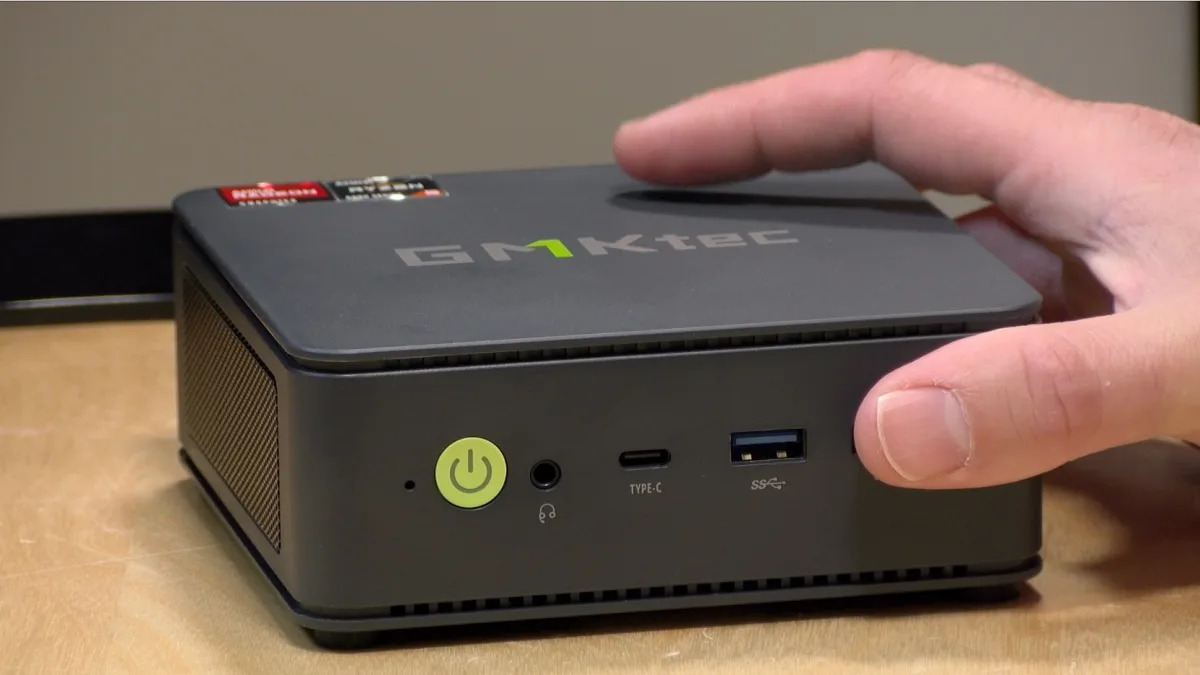
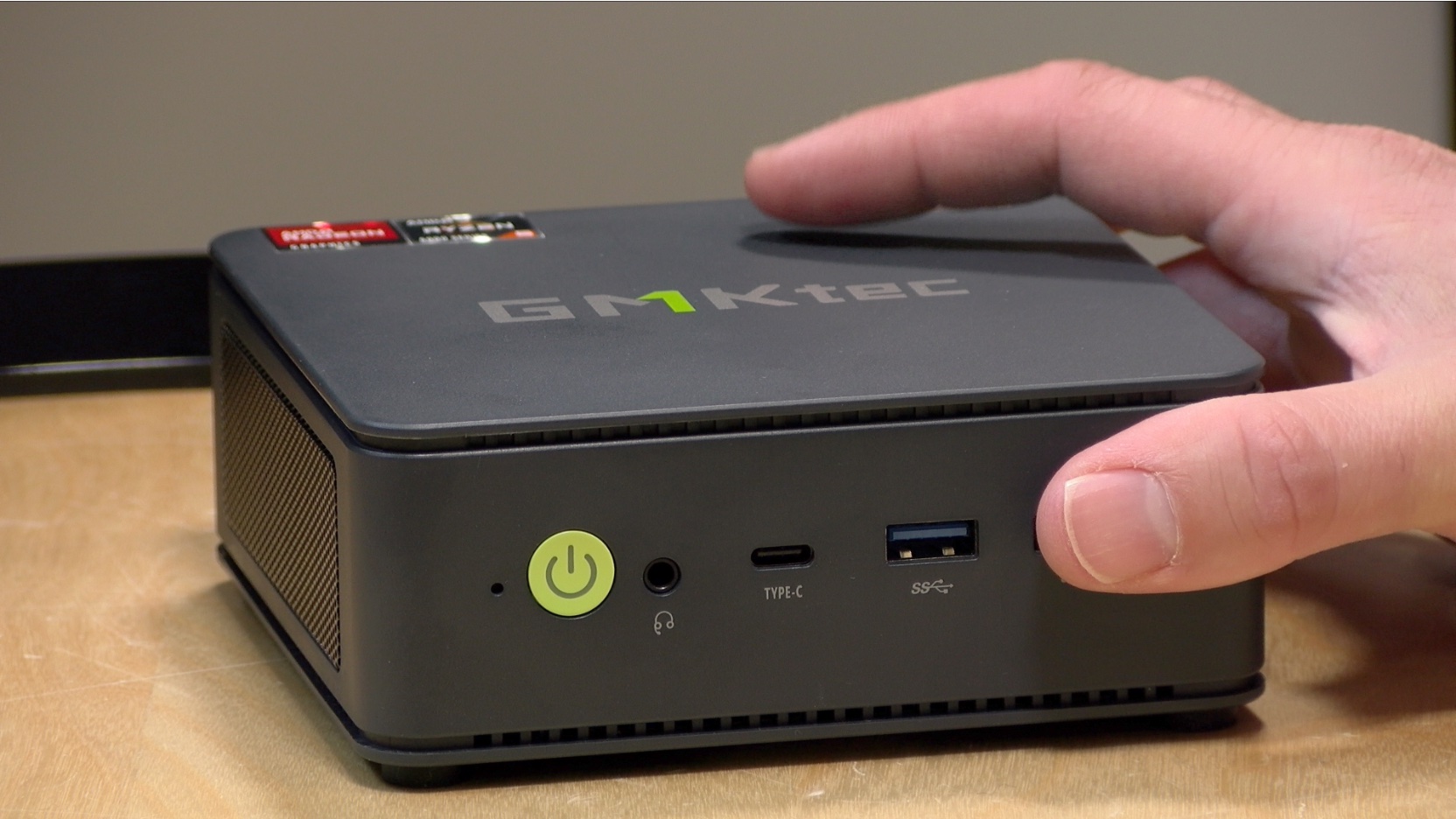
6. The Budget Range with some Risk: Beelink & GMKtec
- Why they rank here: While the price (£169–£499) for high-end Ryzen chips is incredibly tempting, the verified 2026 complaint data forces us to drop them to the bottom. Recent reports of fire/overheating hazards, fans refusing to spin, and disappearing SSDs make them a massive liability for anyone using them for critical, unsaved work. Beelink also has an issue where the BIOS seems unstable and triggers Bitlocker key requests often.
- The Trade-off: Incredible value, but you must be comfortable opening the case and acting as your own IT department on the weekends.
The 2026 Master Mini PC Data & Compatibility Table
Below is the comprehensive breakdown of every model discussed, including real-world May 2026 pricing, benchmarks, and a deep-dive into the exact BIOS, Windows, and driver complaints currently plaguing users. In order of hardware reliability.
| Tier & Brand | Model | CPU | CPU Bench (Single) | CPU Bench (Multi) | May 2026 Price (£) | Popularity | Est. Complaint Vol. | Verified 2026 BIOS / Windows / Driver Issues |
| 1. Gold (Mac) | Apple Mac Mini | Apple M4 | ~3,900 | ~15,100 | £799 - £999 | Extremely High | < 1.0% | MacOS "Tahoe" Bricking: A recent OS update caused logic boards/SSDs to fail for a small batch of users, causing total system lockups. |
| 1. Gold (Mac) | Apple Mac Mini | Apple M4 Pro | ~4,100 | ~22,500 | £1,299 - £1,999 | Very High | < 1.0% | Same logic board failure risk tied to recent macOS updates as the base M4. |
| 2. Safe Bets | HP Elite Mini 800 G10/G11 | Core i7-14700T | 3,750 | 23,400 | £850 - £1,400 | High (Corp) | < 1.0% | Bulletproof Stability. HP Support Assistant handles all firmware. Only minor complaints regarding pre-installed HP security bloatware slowing down initial setups. |
| 2. Safe Bets | Lenovo ThinkCentre M90q Gen 5 | Core i7-14700T | 3,750 | 23,400 | £800 - £1,350 | High (Corp) | < 1.0% | Flawless Enterprise Drivers. Handled perfectly via Lenovo Commercial Vantage. Extremely quiet operation. |
| 2. Safe Bets | Dell OptiPlex Micro Plus (7020) | Core i7-14700T | 3,750 | 23,400 | £750 - £1,300 | High (Corp) | < 1.0% | Dell Command Update ensures flawless BIOS/Driver handshakes. Highly praised for easy, tool-less chassis access. |
| 3. Windows Power | Asus ROG NUC | Core Ultra 9 185H | 3,650 | 29,400 | £1,600 - £2,100 | Moderate | ~1.5% | Exceptional driver stability. Asus Armoury Crate handles Windows updates seamlessly. |
| 3. Windows Power | Asus NUC 14 Pro AI | Core Ultra 7 155H | 3,450 | 25,800 | £800 - £1,050 | High | ~2.0% | Minor BIOS Management Engine conflicts with early Copilot+ features, largely resolved by recent patches. |
| 4. Prosumer | Geekom A9 Max | Ryzen AI 9 HX 370 | ~3,850 | ~28,100 | £850 - £950 | High | ~3.0% | BIOS 1.26 fTPM Hangs: Updating BIOS causes long boot loops. Users also report power crashes when dual-booting Linux/Windows. |
| 4. Prosumer | Geekom A8 | Ryzen 9 8945HS | 3,843 | 29,697 | £650 - £750 | High | ~2.5% | Shared BIOS update issues with the A9. Generally highly stable natively in Windows 11. |
| 5. Basic Tier | MSI Cubi NUC 1MG | Core 7 150U | 2,850 | 14,200 | £450 - £550 | Moderate | ~1.5% | Highly reliable Intel baseline. Lacks the raw multi-core power of Ryzen chips but has virtually zero BIOS or Windows compatibility complaints. |
| 5. Tech-Savvy | Minisforum MS-01 | Core i9-13900H | 3,750 | 29,100 | £750 - £850 | Very High | ~4.5% | BIOS v1.27 Nightmare: Updating with a PCIe GPU attached results in no display output due to Secure Boot violations. Must spam DEL on startup. |
| 5. Tech-Savvy | Minisforum AtomMan X7 Ti | Core Ultra 9 185H | 3,646 | 29,400 | £850 - £950 | High | ~4.0% | Extreme BIOS flashing frustration (must be done via command-line BAT files in Windows). |
| 6. Risky | GMKtec NucBox K11 | Ryzen 9 8945HS | 3,843 | 29,697 | £409 - £429 | Very High | ~4.0% | Bluetooth Code 10 Errors: The internal wireless card fails upon waking from sleep mode. GMKtec's bundled drivers often fail to resolve it. |
| 6. Risky | GMKtec NucBox K8 Plus | Ryzen 7 8845HS | 3,734 | 28,437 | £329 - £339 | High | ~4.5% | Deadly BIOS Sensor Bug: On BIOS 1.01, a soft reboot causes the CPU temp sensor to read +255°C, shutting off the cooling fan entirely (massive fire/overheating hazard). |
| 6. Risky | Beelink SER8 | Ryzen 7 8845HS | 3,734 | 28,437 | £380 - £480 | Very High | ~5.5% | Windows 24H2 Fan Failures: Updating to Windows 11 24H2 breaks the BIOS fan curve. CPU fans refuse to spin up under load without 3rd-party software. |
| 6. Risky | Beelink SER9 | Ryzen AI 9 HX 370 | 3,850 | 28,100 | £750 - £850 | High | ~5.0% | Vanishing Storage: Multiple verified reports of secondary NVMe SSD drives completely disappearing from Windows after recent system updates. |
(Note: CPU Multi-Core Benchmarks under 9,200 are generally not recommended for primary daily workstations in 2026. We strongly advise a minimum of 16GB DDR5 RAM and a 500GB NVMe SSD for any Windows machine. We highly recommend a system with an Intel Core Ultra CPU).