CCTV Installations
CCTV designed around your site, not sold from a catalogue.
We survey, design, supply, install and maintain Ubiquiti UniFi Protect camera systems for homes and businesses — on site across London, the South East and Florida, and configured remotely anywhere.
Every camera position exists for a reason, and we can tell you what that reason is before anything is drilled.
Most CCTV quotes are a list of cameras and a price. Ours starts with what each camera has to achieve — general coverage, recognition of someone you already know, or identification of someone you don't — because that decision drives the model, the lens, the mounting height and the storage far more than the brochure does.
Why we build on Ubiquiti UniFi Protect
UniFi Protect is the strongest AI surveillance platform we can put in front of a client. It costs more than budget kit, and that is the point: it runs as a closed, self-hosted system where footage stays on hardware you own, there are no per-camera licence fees and no cloud subscription, and the AI detection runs on the camera itself rather than on somebody else's servers.
It is also the platform we use across networking, access control and Wi-Fi, so cameras land on infrastructure we already understand rather than bolted on as an afterthought.
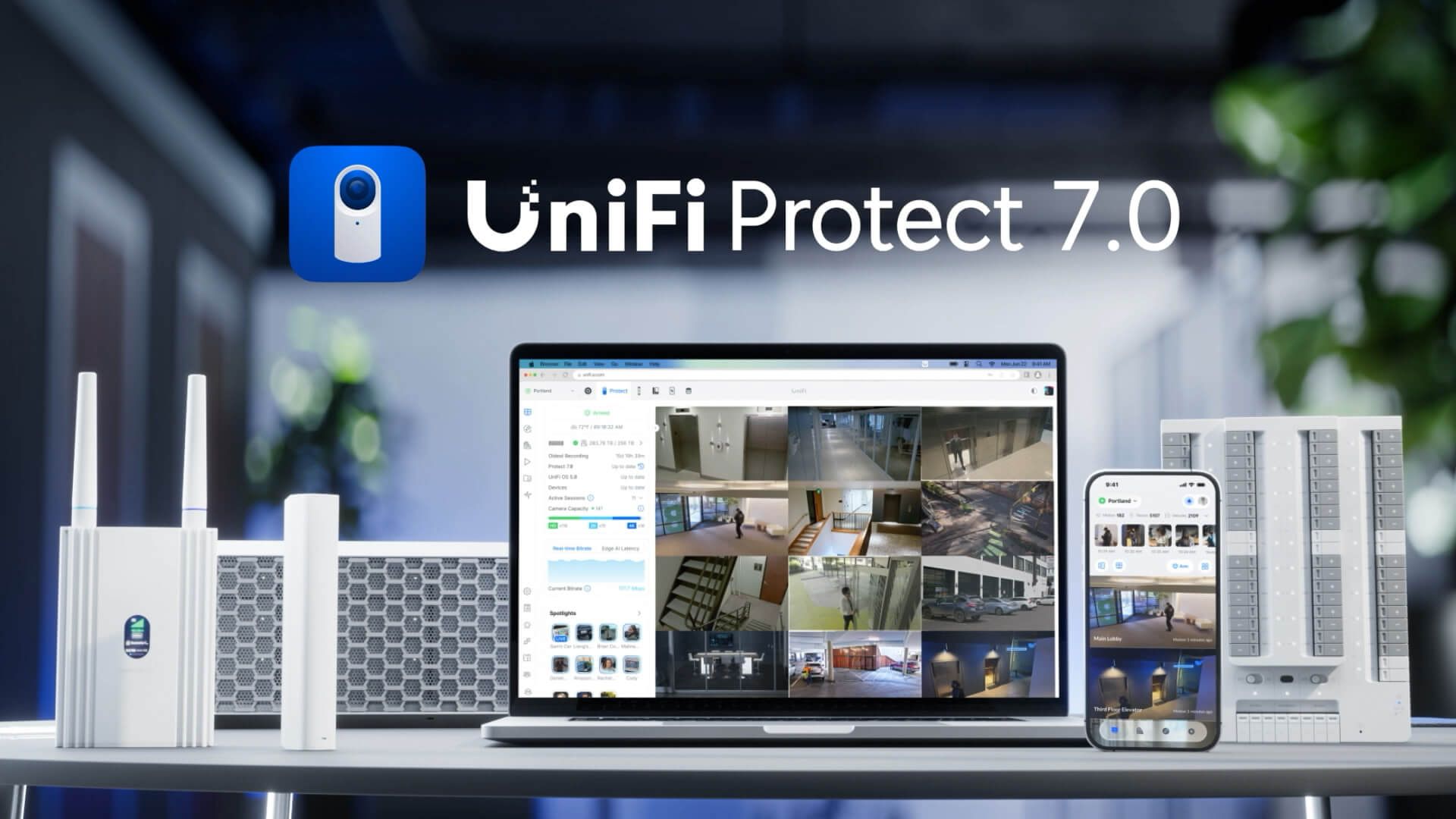
- On-camera AI detection of people, vehicles, animals and packages
- Face recognition and licence plate recognition on supported cameras
- Motion zones, line-crossing and tamper alerts
- Local recording with secure remote viewing — no port forwarding
- No camera licence fees and no monthly subscription
- Live and recorded footage on phone, tablet, desktop or a wall display
- One app across cameras, alarms, sensors, door entry and network
The current UniFi Protect range
The G6 generation has replaced most of what was on the market two years ago. Every G6 camera shares the same AI engine, so the entry-level model detects as intelligently as the flagship — what you pay more for is sensor size, optical zoom, infrared reach and housing. Older G4 and G5 cameras still work alongside them in the same system.
Fixed cameras
G6 Bullet for walls and eaves, G6 Turret for ceilings and soffits, G6 Dome where the housing needs an IK10 vandal rating. All three use a 1/1.8in 8MP sensor at 4K with 30m infrared. The Pro versions step up to a larger 1/1.2in sensor, 2.36x optical zoom and 40m infrared for the positions where you need to identify a face rather than notice a person.
Wide, panoramic and PTZ
G6 PTZ adds motorised pan, tilt and 10x hybrid zoom with automatic tracking — one camera covering a yard that would otherwise take three. G6 180 stitches two sensors into a 16MP 180° view for wide rooms and corridors, and G6 Pro 360 gives a full 360° from a single ceiling mount with digital pan-tilt-zoom.
Door entry
The G6 Entry range merges Protect and UniFi Access in one unit. G6 Pro Entry pairs a 12MP wide-angle sensor with a 3in touch display and a second camera aimed at the doorstep for package view; G6 Entry brings Face ID, NFC and TouchPass in a smaller footprint; Doorbell Lite covers the straightforward video doorbell. Door release needs an Access Hub alongside.
Alarms and sensors
Protect is a full alarm platform now. The SuperLink gateway carries long-range sensors, the Environmental Sensor reports temperature, humidity, ambient light and water leaks, and the PoE Siren provides a weatherproof audible deterrent. Alarm Manager handles zones, arm and disarm profiles, entry and exit delays, and key fobs.
How we install a system
The hardware is the easy part. What separates a system that produces usable evidence from one that produces 400 hours of blurred grey is the work either side of the installation.
Survey
We walk the site and agree what each position has to achieve. Lighting at night, mounting points, cable routes, existing network and switch capacity, and where people and vehicles actually enter — which is rarely where the front door is.
Design
You get a camera schedule and a coverage plan: model per position, field of view, mounting height, PoE budget, switch and recorder sizing, and a retention figure in days rather than a vague promise.
Cabling and power
Cat6 run, terminated and tested, with PoE or PoE+ switching sized for the actual load rather than the sticker. Containment and reinstatement done tidily, because the cabling outlives the cameras.
Install and configure
Cameras mounted and aimed properly, recorder built and RAID configured, detection zones and AI tuned to cut false alerts, alarms mapped to cameras, users created with sensible permissions, and remote access set up without a single port forward.
Handover
Labelled cabinet, as-built documentation, and training on the Protect app for the people who will actually use it. Accounts are in your name and the hardware is yours — no lock-in, and no dependence on us to keep it running.
Support
Firmware kept current, drive health and storage watched, footage exported for insurers or police when you need it, and cameras added as the site changes. Month to month, like everything else we do.
A camera that sees a shape is a deterrent. A camera that identifies a face is evidence.
Coverage that stands up later
Positions chosen against identification, recognition or observation distances — so the footage is still useful the day something actually happens.
Cameras off your main network
We segment surveillance onto its own VLAN, keep it away from your business traffic, and never expose a recorder to the internet. Cameras are a common way in when installed carelessly.
Retrofits and migrations
Moving off Hikvision, Dahua or a port-forwarded DVR usually reuses the existing cabling. We survey what's there before quoting a rip-out.
Multi-site and remote
Several premises under one view, with remote configuration and support anywhere — useful when your sites are further apart than your engineers.
See UniFi Protect cameras and PTZ in action
Beyond UniFi: general CCTV work
Not every job starts from scratch. We also maintain, repair and extend existing systems, and handle the specialist installs that don't fit a standard camera package.
If your cameras are working but your network isn't, that's the same conversation — see network installation and cyber security.
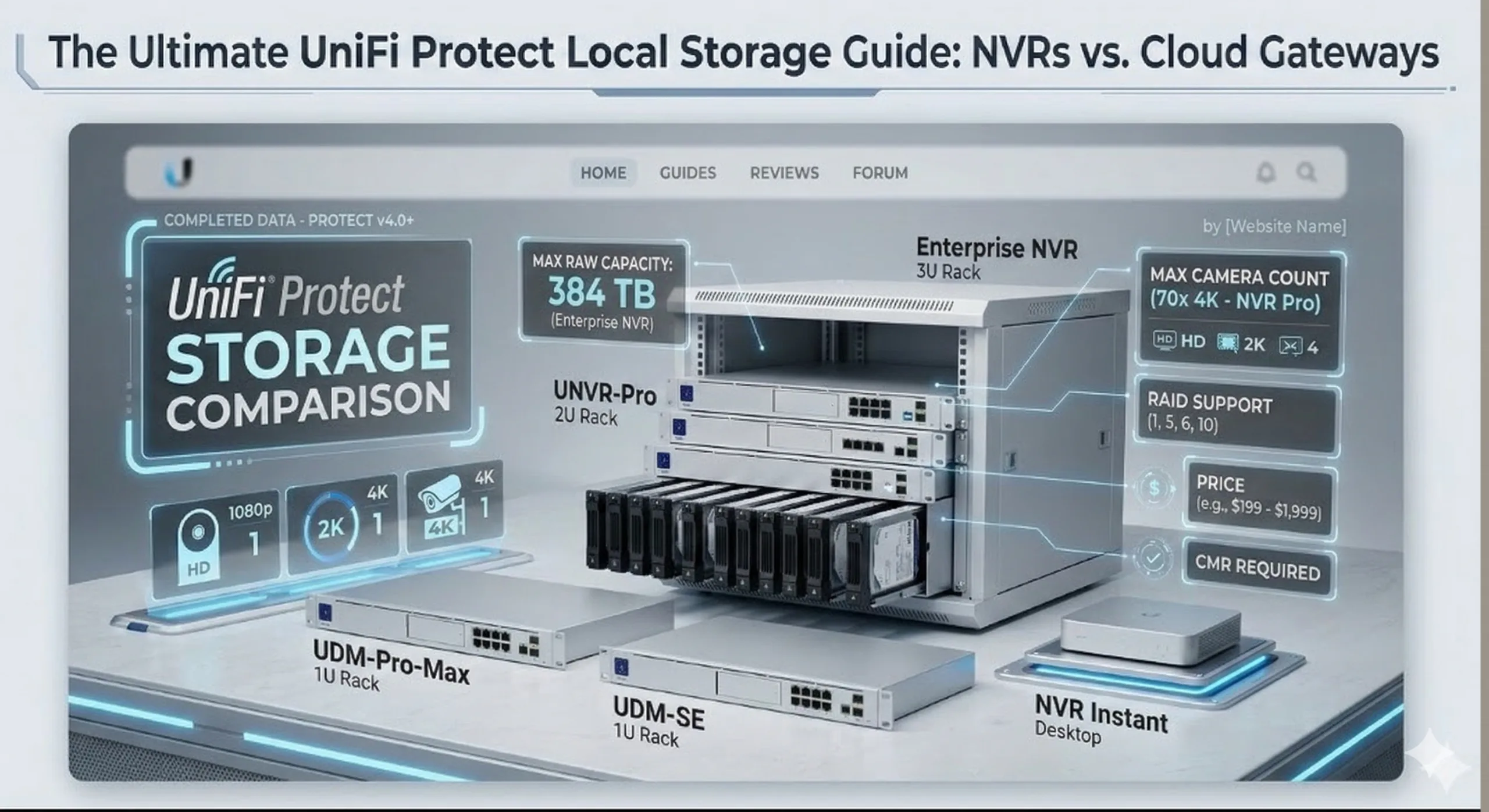
- DVR upgrades and repairs
- Camera upgrades and repairs
- CCTV and network cabling
- Ultra HD 4K to 8K cameras
- Ultra night vision systems
- Thermal imaging cameras
- CCTV service monitoring
- Home and business CCTV
- Up to 60x zoom cameras
- PTZ, dome and bullet cameras
- Multi-site systems
- Temporary building site / remote CCTV systems
- Mobile 4G CCTV cameras
- Car and truck camera recorders
- Custom CCTV programming
- Custom security circuit designs
- Alarm and siren motion systems
- Alerts via text, call or email
- Gate cameras and controllers
- IP CCTV server repairs
Get a system designed for your site
Start with a survey, not a quote
Tell us what you need to see and we'll tell you what it takes to see it — including when the answer is fewer cameras than you expected.