Urgent VPN Warning - Millions Compromised
We have warned people about VPN apps in the past but it has finally come to light thanks to the Google Threat Intelligence Group. February 4, 2026 Turns out, you…
We have warned people about VPN apps in the past but it has finally come to light thanks to the Google Threat Intelligence Group.
February 4, 2026
Turns out, you get what you pay for when it comes to 'free' or cheap VPN and Proxy services. Initially, the concern was that these services harvested your personal data, redirected you to fake versions of websites, captured login/2fa details and could even reverse connect back to your PC/mobile when you used their solutions but now they can also be used to commit crimes with your device.
Important note: There are only a few trusted VPN providers in the world and you should see the list at the end of this article to be safe.
So what is this new scary VPN issue all about in addition to the previous risks?
While you are thinking you are finally able to access those websites that blocked you previously, being safe online using a VPN to avoid your ISP spying on you (which likely won't help) or watching those free movies or streaming Netflix on your phone or laptop - the hidden danger is that your true IP at your location is now being used to commit a serious crime via your device at the exact same time. Which could put you at the centre of a police investigation unless you can categorically prove otherwise - which is difficult as it can take months before the trouble starts.
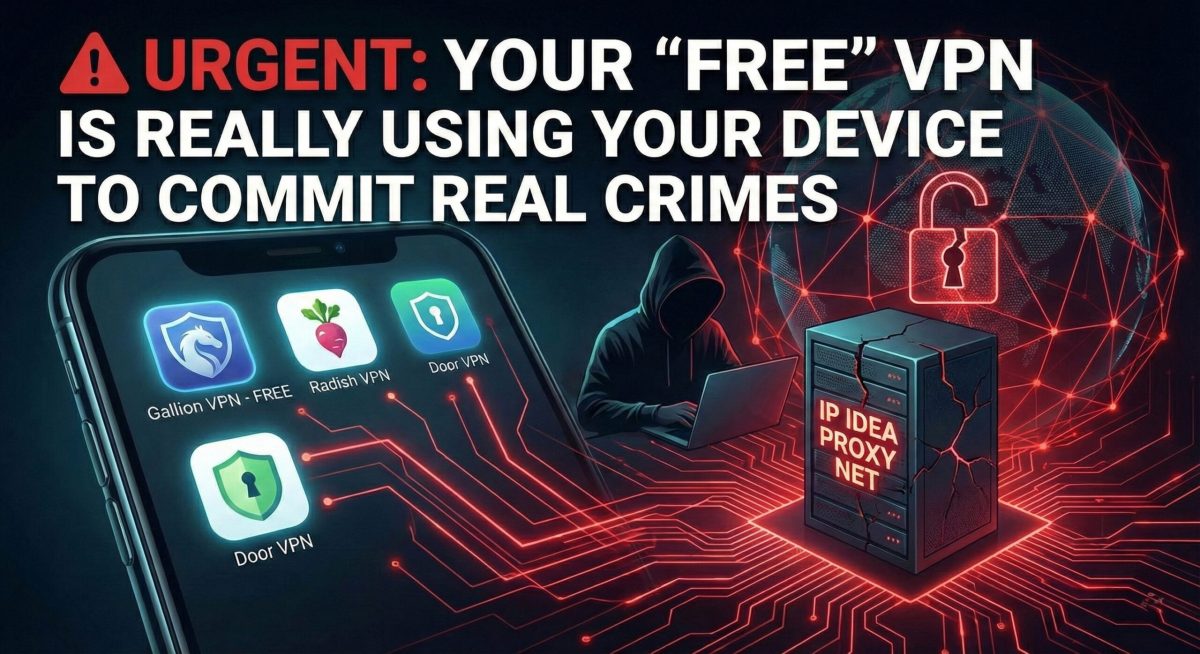
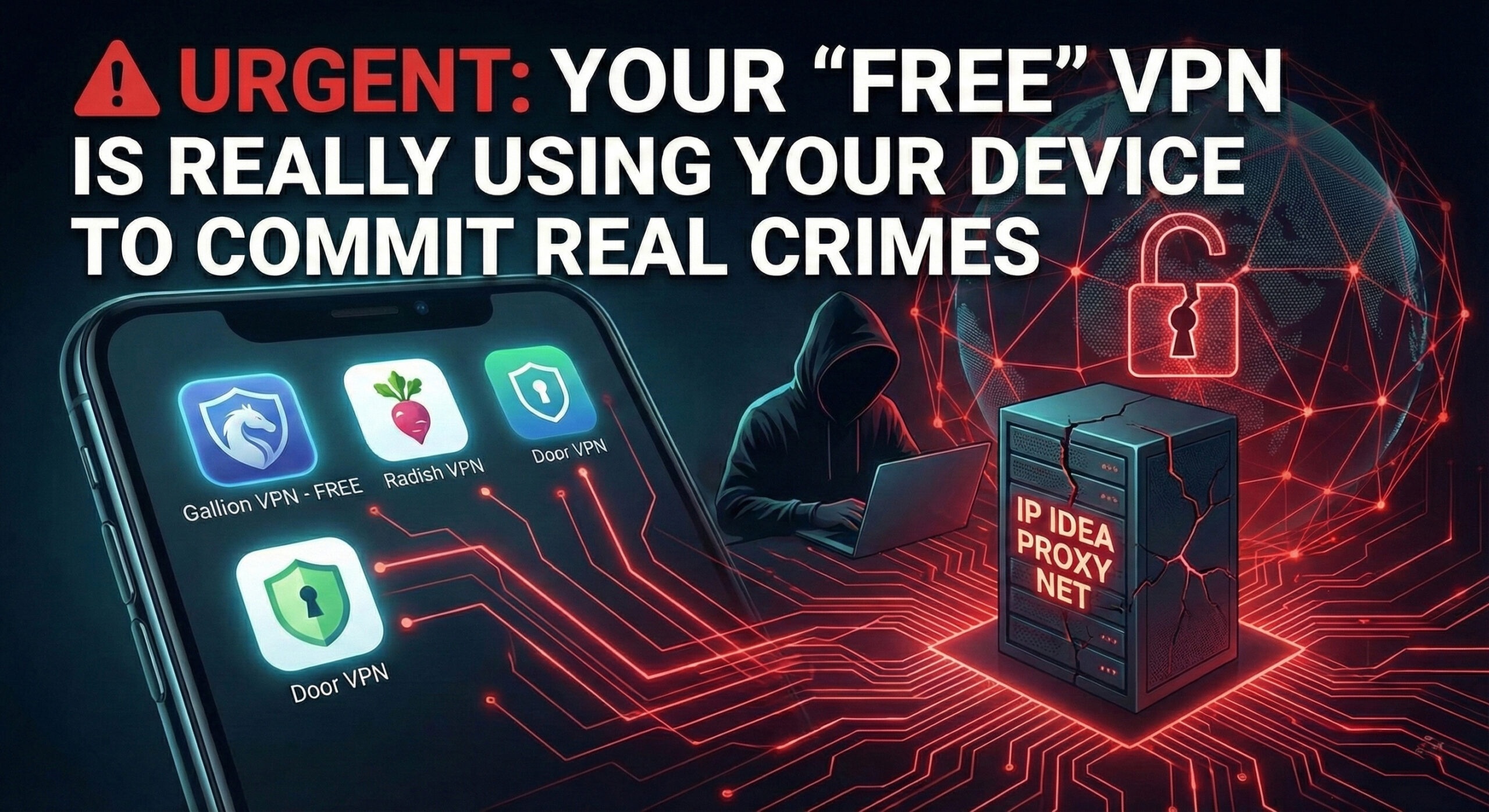
A massive cybersecurity crackdown led by Google’s Threat Intelligence Group has exposed a dark reality behind "free" (or cheap) VPN services. In late January 2026, Google seized control of domains belonging to the IP Idea (IPIDEA) network—a massive residential proxy service that had silently hijacked over 60 million devices worldwide.
If you have recently downloaded a free VPN or "earn cash" app or even a free TV app or hacked fire stick, your device might currently be acting as a gateway for global cybercrime.
The Trap: You Are the Server
The investigation revealed that the IP Idea network did not own its own servers. Instead, it sold access to your home internet connection. By embedding secret code (SDKs) into free apps, the network turned ordinary smartphones and PCs into "exit nodes."
When cybercriminals—including state-backed hackers from Russia, China, and North Korea—needed to launch attacks, they routed their traffic through these hijacked devices. To the outside world, the attack didn’t look like it was coming from a hacker; it looked like it was coming from you.
The Blacklist: Apps You Must Delete Immediately
Google’s investigation specifically named several "free" VPNs and proxy tools that were feeding this network. If you have any of the following installed, uninstall them immediately:
- Gallion VPN
- Radish VPN
- Door VPN
- Aman VPN
- 922 Proxy & 360 Proxy
Additionally, over 600+ mobile games and utility apps (like free TV/movie, ad blocking) were found to contain the malicious code. These apps often market themselves with promises of "fast, free privacy" or "passive income for unused bandwidth."
These apps mostly affect Android devices but the VPN services themselves could be used by PC, iOS and Android.
The Danger to You
The consequences of having your device enrolled in this network go far beyond slower internet speeds:
- Legal Liability: If a hacker uses your IP address to buy illegal contraband or launch a ransomware attack, law enforcement investigations will lead to your front door, not theirs.
- Home Network Breaches: Google found that these proxies didn't just route traffic out of your device; they allowed hackers in. In some cases, attackers used the compromised phone or PC to scan the local Wi-Fi network, potentially accessing sensitive files on other connected devices like laptops or security cameras.
- Device Degradation: The constant background activity drains battery life and consumes your data cap, costing you money while criminals profit.
What You Should Do Now
Google has updated Google Play Protect to automatically detect and disable apps containing the IP Idea SDKs (such as PacketSDK, EarnSDK, and CastarSDK). However, users who "sideload" apps or use third-party app stores are still at high risk.
Security Recommendations:
- Check your app list: Remove any VPN that you do not pay for and cannot verify as a legitimate business.
- Run a scan: Ensure Google Play Protect is active on your Android device.
- Trust paid audits: Legitimate VPNs (see below) undergo independent audits to prove they do not log user traffic or sell bandwidth. As the old adage goes in cybersecurity: "If the product is free, you are the product."
I really need a VPN, what can I use?
Here is the only independently audited VPN providers you should use:
Any other provider that are not on this list are a potential risk.
First we have the gold standard in VPN providers that we know are as safe as can be:
- ProtonVPN (Our recommendation - Owned by: Proton)
- NordVPN (Owned by: Nord Security)
The following have some discrepancy in safety but overall assumed to be good enough for average users:
- Private Internet Access (Owned by: Kape Technologies)
- Surfshark (Owned by: Nord Security)
- ExpressVPN (Owned by: Kape Technologies)
Even if a VPN solution is owed by a master company that is listed here, it does not mean it is safe to use, they operate in different jurisdictions and under different safety protocols and it is known that they are not all equal. Kape Technologies is a multi billion dollar company and it is there turn profit, not to give you the ultimate protection.