Which Browser for Privacy and Safety in 2026?
Based on the current security audits and privacy community consensus in mid-2026, the landscape for secure web browsers has refined significantly. When evaluating options available for both Windows and Linux,…
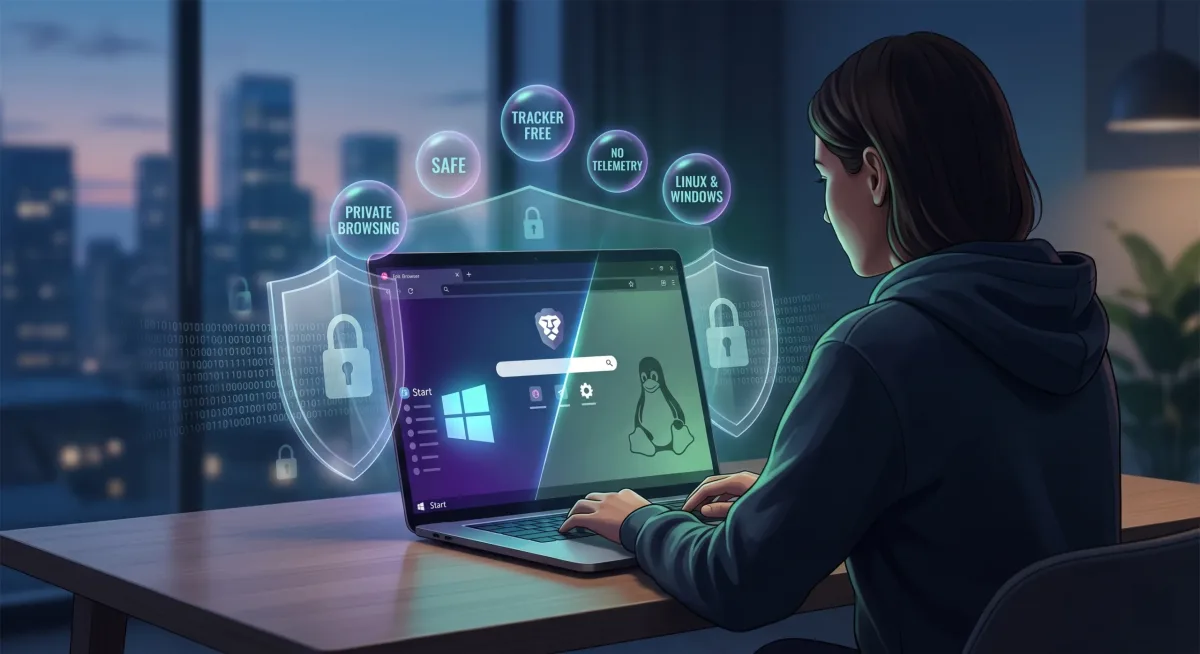
Based on the current security audits and privacy community consensus in mid-2026, the landscape for secure web browsers has refined significantly. When evaluating options available for both Windows and Linux, the focus is heavily on how browsers handle telemetry, third-party trackers, and advanced fingerprinting techniques.
Remember on any browser avoid any extensions as even legitimate ones can get bought over and become a security risk, stick with just a password manager like Proton Pass as your only extension. Also avoid VPNs and Tor these days as the latest information shows how risky they have become, however if going with a single VPN solution, use Proton VPN as the only sure fire safe option at this point, many others have been caught out.
Here are the most robust, private, and safe browsers available right now, categorized by their underlying engine and approach to security:
1. LibreWolf (Gecko Engine)
Best for: An uncompromising, out-of-the-box Firefox experience without the data collection.
LibreWolf is a community-driven fork of Firefox designed entirely around privacy and security. It strips out all of Mozilla's default telemetry and data collection components.
- Privacy Approach: It applies strict privacy settings by default, utilizing a uniformity approach to anti-fingerprinting (aiming to make your browser look identical to every other LibreWolf user).
- Security: It benefits from regular upstream Firefox security patches but removes reliance on external services. It includes uBlock Origin out of the box.
- Verdict: If you value open-source transparency and engine diversity (not relying on Chromium) but don't want to spend an afternoon manually configuring
about:configflags, LibreWolf is the current gold standard.
2. Brave & Brave Origin (Chromium Engine)
Best for: Excellent out-of-the-box protection with standard web compatibility. Brave standard still requires tweaking but Brave Origin really is the best option - its not free, however the small fee is completely worth the peace of mind. You get what you pay for.
Brave continues to offer some of the strongest default protections of any Chromium-based browser. Its built-in "Shields" aggressively block trackers, cross-site cookies, and ads at the network level, which also results in fast page load times.
- Privacy Approach: Unlike LibreWolf's uniformity, Brave uses fingerprint randomization. It feeds slightly different readouts for Canvas, WebGL, and audio context hashes on every session, making it incredibly difficult for trackers to build a persistent profile of your hardware.
- Brave Origin: Notably, in 2026, Brave introduced Brave Origin, a stripped-down, debloated version of the browser. It removes all the controversial "bloat" (like the crypto-wallet BAT rewards and AI widgets) and focuses purely on the core privacy layers, making it an incredibly compelling choice for power users on Linux and Windows.
3. Mullvad Browser (Gecko Engine)
Best for: Extreme anti-fingerprinting and compartmentalization (when paired with a trusted VPN like Proton VPN).
Built collaboratively by Mullvad VPN and the Tor Project, this browser removes the onion-routing latency of Tor but keeps its aggressive privacy architecture. Although this combo is still not as trustworthy as you might think.
- Privacy Approach: It operates exclusively in private mode. All data, cookies, and cache are deleted the moment you close the application. It employs the strictest uniformity anti-fingerprinting available outside of the dark web.
- Security: Trackers cannot follow what they cannot distinguish. By standardizing timezones, screen dimensions, and font lists, you become lost in the crowd.
- Verdict: It is exceptionally secure, but highly restrictive. It is best used for research or browsing where you absolutely do not want to leave a trace, rather than for staying logged into daily administrative portals or web development environments.
4. Mozilla Firefox (Manually Hardened)
Best for: Deep granular control and custom deployment.
While standard Firefox ships with opt-out telemetry and weaker default tracking protection, it remains a highly viable option if you are willing to dive into the architecture.
- Privacy Approach: To match the privacy of the browsers above, you must switch Enhanced Tracking Protection to "Strict," manually enable the
privacy.resistFingerprintingflag inabout:config, install uBlock Origin, and disable all Mozilla diagnostic data routing. - Security: Mozilla's Multi-Account Containers extension allows for brilliant sandboxing, isolating your sessions (e.g., keeping banking tabs entirely separate from general browsing tabs).
Summary Recommendation
If you are working across multiple operating systems and need a daily driver that balances robust security with high web compatibility:
- Go with Brave Origin if you prefer the Chromium engine's rendering speed and granular site-isolation architecture.
- Go with LibreWolf if you prefer an open-source, telemetry-free Gecko environment that strictly limits background network connections.
Those are the only two really good safe options in our opinion.