Minimum Office PC specs in 2025
Update: Click to view our latest "Minimum Office PC Specs in 2026" article. Is Your Business Ready for the End of Windows 10? The October 2025 deadline has come and…
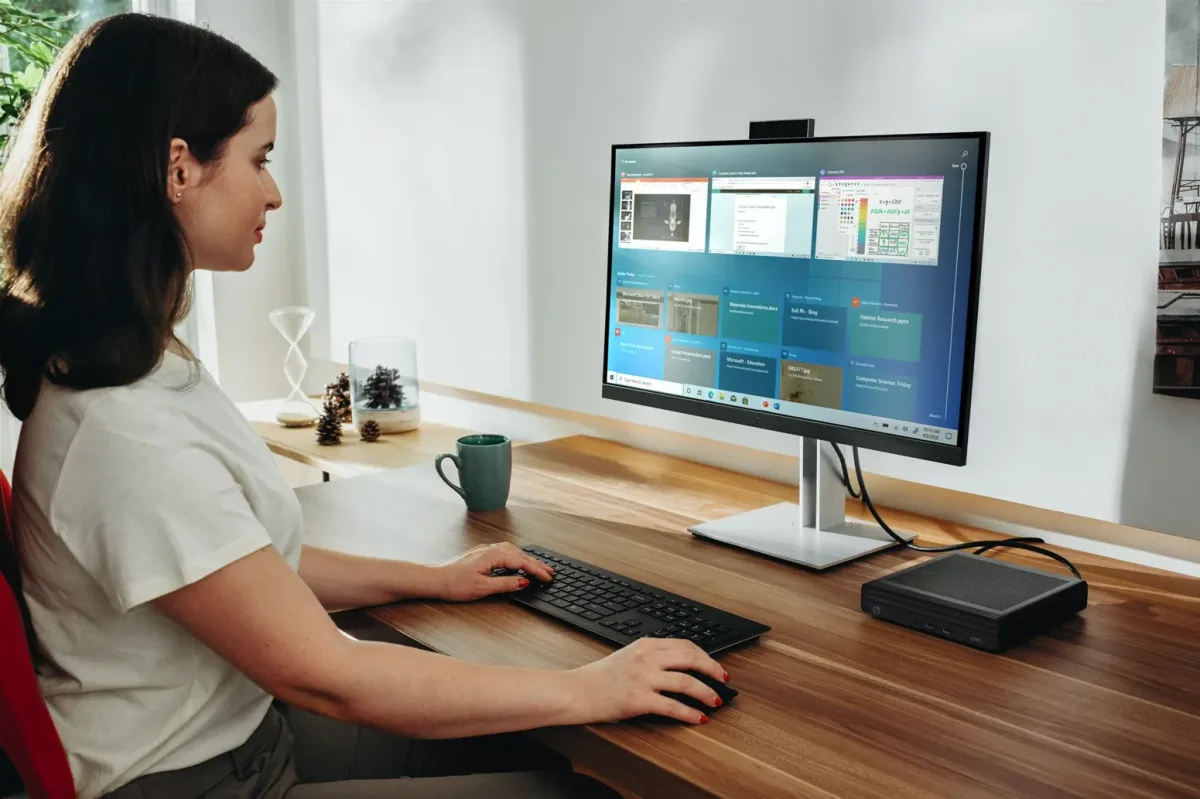
The October 2025 deadline has come and gone. Here's what you need to know to get your business PCs onto Windows 11.
Is your business ready for the end of Windows 10?
Microsoft officially ended support for Windows 10 on 14 October 2025. For the average user that means no more crucial security updates unless they signed up for extended support — and extended support is not something to lean on until it expires.
If you are curious about moving to a free platform with lower hardware requirements, look at our Linux alternatives guide.
Microsoft 365 Apps will no longer be supported on Windows 10 devices [after October 14, 2025]. To use Microsoft 365 Applications on your device, you will need to upgrade to Windows 11.
The deadline doesn't only affect the operating system. Support for several other key business products also ended in 2025:
- Office 2016 and Office 2019
- All server products from 2019 or older — Exchange, SQL and Windows Server
For business continuity, security and access to essential tools like Microsoft 365, upgrading company PCs to Windows 11 isn't just recommended — it's essential. Whether you can depends on your current hardware.
Recommended PC specifications for business
Microsoft's official minimum requirements are one thing; the specification needed for a smooth, productive, frustration-free workday is another. Below are our recommended functional specifications for a business PC running Windows 11 Professional. For small-form-factor options, see our Mini PC article.
Processor (CPU)
The processor is the engine of the computer. An underpowered CPU causes bottlenecks and slows down everyday tasks.
Memory (RAM)
RAM is critical for multitasking. Insufficient memory is a common cause of slowdowns when Outlook, Teams, Excel and a web browser are all open at once.
Storage
The type and size of the drive dramatically affect boot times, file access and application loading speeds.
Motherboard and security
The motherboard has to support the security features Windows 11 requires.
Display
A quality display reduces eye strain and improves productivity by letting more information be viewed at once.
Summary of recommendations
| Component | Recommended minimum (existing PCs) | Recommended standard |
|---|---|---|
| Processor (CPU) | Intel 8th Gen / AMD Ryzen 3000+ | Intel Core Ultra / AMD Ryzen 5000+ (NPU enabled) |
| Memory (RAM) | 16GB DDR4 | 16 to 32GB+ DDR5 |
| Storage | 500GB NVMe SSD | 1TB Gen4 NVMe SSD |
| Display | 24" Full HD (1920×1080) | 27" Quad HD 2.5K (2560×1440) |
An SSD, 16GB and a 2018-or-newer CPU. Below that, you're buying frustration.
Our hardware picks
Here are our top recommendations for a budget-friendly, reliable and AI-capable office setup.
Desktop PC
For a compact, speedy and future-proof machine we recommend the ASUS NUC 14 PRO Mini PC. This small-form-factor PC packs a serious punch. It runs Intel's Core Ultra processors — either the Ultra 5 125H or the more powerful Ultra 7 155H — which include a dedicated NPU for handling upcoming AI tasks efficiently. That makes it a smart investment for the future of work, with excellent performance for all business applications in a reliable, energy-efficient package.
NUC 14 PRO — Core Ultra 5 125H
Excellent performance and value for most business users.
NUC 14 PRO — Core Ultra 7 155H
Ideal for users who need extra processing power for more demanding tasks.
Business monitor
A good monitor is crucial for productivity and reducing eye strain. For business use, look for these specifications:
MSI MAG 274QRF QD E2
Top pick, 27-inch. Meets all the criteria, offers excellent image quality, and comes in black or white to suit your office.
LG UltraGear 27GL83A-B
Budget-friendly, 27-inch. Marketed for gaming, but the high-quality IPS panel and QHD resolution make it outstanding value for office work.
AOC Q27B3CF2
Budget-friendly, 27-inch. A great value choice with an IPS panel, QHD resolution and essential height adjustment.
Don't forget the network behind the PCs
To make sure the computers work well with the rest of the network, use a modern firewall such as the UniFi Security Gateway alongside a gigabit-capable switch, ideally matching the firewall technology. We recommend the Ubiquiti UniFi range.
If your network equipment is more than five years old, it is almost certainly time to upgrade — see our network installation services.
Feeling overwhelmed?
Hardware upgrades across a whole business are daunting. We can audit your existing equipment and plan the transition to Windows 11 as part of our IT support services.