Replacing Windows 11 Pro with Linux: A Complete Guide for Home/Business Professionals, Developers, and Gamers
Why Switch from Windows 11 Pro? As a Windows 11 Pro user, you value power, security, and control — and you are likely tired of creeping advertisements, forced updates, and…
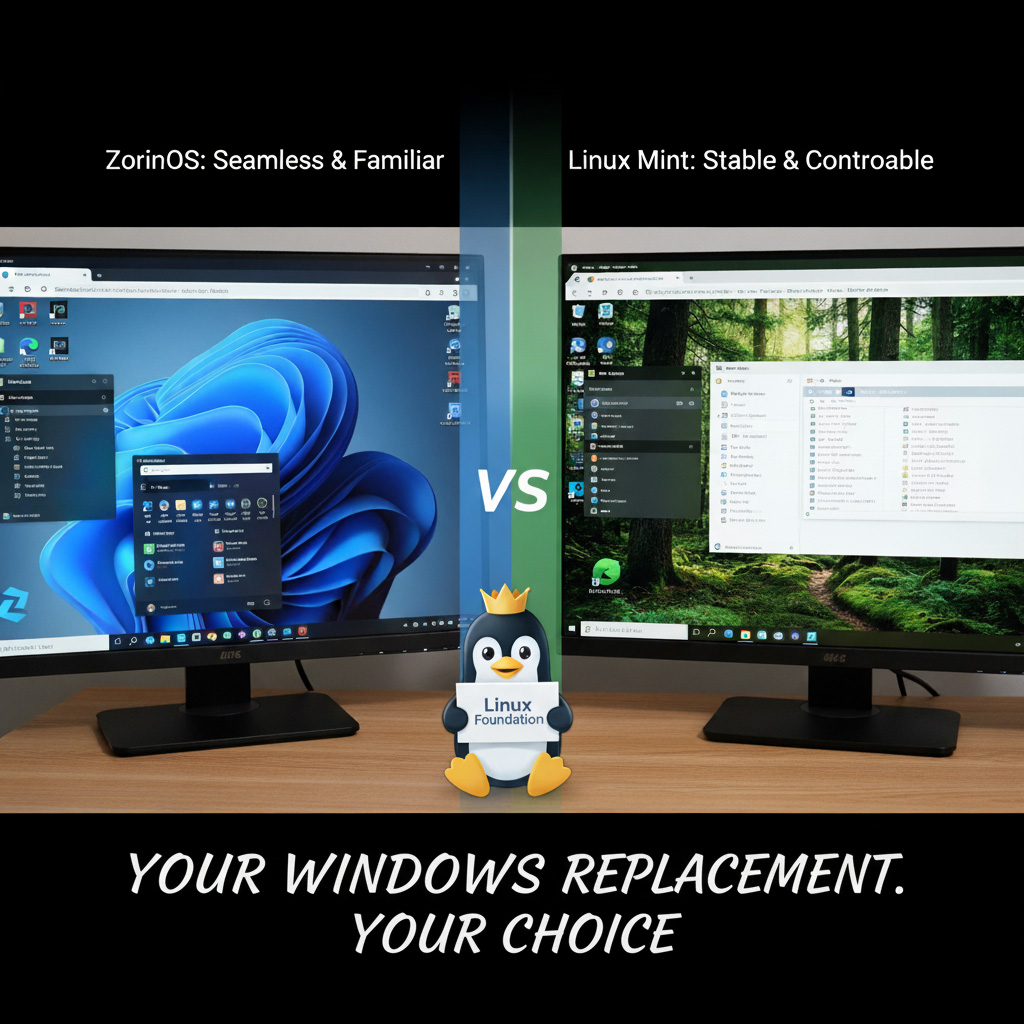
Why Switch from Windows 11 Pro?
As a Windows 11 Pro user, you value power, security, and control — and you are likely tired of creeping advertisements, forced updates, and invasive telemetry. Two things have changed the calculation completely since we first published this guide.
First, Windows 10 reached end of life on 14 October 2025. An estimated 240 million PCs that cannot meet Windows 11’s strict hardware requirements were left without security updates overnight. Rather than buy new hardware or scrap a perfectly good machine, millions of users simply switched: Zorin OS alone passed a million downloads within five weeks of that deadline. Second, the “2026 Linux Renaissance” means Linux is no longer just a secure, free fallback — it now leads on modern hardware, with excellent support for the newest CPUs, GPUs and NPUs, and gaming performance that is genuinely competitive with Windows.
This guide compares the most popular classic distributions (“distros”) against the new wave of modern-hardware champions, so you can find the perfect replacement for your workstation.
Linux Distribution Comparison (2026)
The “best” distro depends entirely on your priorities. Here is how the classic, stability-focused options stack up against the distros winning the race for the latest hardware. All versions below are current as of mid-2026.
| Criteria | Zorin OS 18.1 (Pro) | Linux Mint 22.3 | Ubuntu 26.04 LTS | Debian 13 (Stable) | Pop!_OS (Modern Hardware) | Bazzite (Modern Hardware) | Nobara Linux (Modern Hardware) | CachyOS (Modern Hardware) |
|---|---|---|---|---|---|---|---|---|
| Windows 11 Look & Feel | Excellent. The “Pro” layout is virtually identical to Windows 11, and version 18’s refreshed rounded design looks sharp. The most seamless transition. | Excellent. The Cinnamon 6.6 desktop mimics a traditional Windows 10/7 layout, with a redesigned application menu. Highly intuitive. | Poor. Default GNOME 50 is macOS-like. Requires customisation to feel like Windows. | Poor. Default GNOME is not Windows-like out of the box. | Good. The COSMIC desktop (now the stable Epoch 1 release) is distinctive but intuitive and keyboard-driven for power users. | Good. Defaults to the Windows-like KDE Plasma desktop, just like Nobara. | Good. The modified KDE Plasma layout feels immediately familiar to Windows users. | Varies. Pick your desktop (KDE, GNOME and more) at install; can be tailored heavily, but expects manual setup. |
| System Stability | Excellent. Based on the Ubuntu 24.04 LTS core. Rock-solid. | Excellent. Ubuntu 24.04 LTS base, famously stable, supported to 2029. | Very Good. A brand-new LTS (Linux 7.0 kernel, GNOME 50). If you want the most conservative possible base, Ubuntu 24.04 LTS is supported to 2029, or wait for the 26.04.1 point release in August 2026. | Legendary. The most stable OS in the world; packages are a touch older but current for the 13.x series. Supported to 2028, with LTS to 2030. | Very Good. Balances an LTS core with newer kernels for the latest CPUs. | Excellent. An immutable, atomic core updated as one locked image; if an update ever conflicts with your GPU, a reboot rolls back to the last working state. Very secure, though it restricts low-level tinkering. | Good. Built on Fedora; fast updates curated specifically for gaming and creator stability. | Volatile. Rolling release means near-daily updates. For advanced users only. |
| NVIDIA & Latest GPU Compatibility | Excellent. Easiest driver setup during installation. | Excellent. Trivial setup via Driver Manager; the HWE 6.14 kernel supports newer GPUs. | Excellent. Native NVIDIA drivers plus CUDA and AMD ROCm straight from the repositories; the Linux 7.0 kernel supports the latest silicon (including Intel Panther Lake), and full Wayland brings smooth, tear-free NVIDIA output. | Good. Enable the non-free-firmware repositories during or after install. | Legendary. Ships with NVIDIA drivers pre-baked into the ISO. Best for dual-GPU laptops. | Excellent. Ships a dedicated NVIDIA ISO for immediate RTX (including Blackwell 50-series) compatibility. | Excellent. Auto-detects and installs the latest NVIDIA/AMD drivers perfectly. | Excellent. The Arch base means you get the newest drivers and optimisations first. |
| Gaming & Windows Apps | Excellent. Pre-configured for easy Wine/Proton use. | Excellent. Steam, Lutris and Heroic work perfectly. | Excellent. The primary target for Steam’s Proton; Steam runs natively and translates Windows games on the fly. | Good. Fully capable, but you may need to enable 32-bit (multiarch) libraries manually. | Excellent. Seamless gaming performance and excellent power-management tools. | Legendary. A SteamOS-aligned gaming appliance with Heroic and Lutris baked in — the closest thing to a console that also doubles as an office PC. | Legendary. Custom kernel patches specifically for gaming, controller support and OBS streaming. | Excellent. Maximum performance optimisation for enthusiasts. |
| Security & Repositories | Excellent. Secure Ubuntu base with Flatpak support. | Excellent. Secure Ubuntu base; Snap disabled in favour of Flatpak. | Excellent. Canonical-managed and very secure, now with Rust-based memory-safe core utilities and TPM-backed full-disk encryption. Still leans on Snap by default (App Center handling of .deb packages is much improved). | Legendary. The gold standard, maintained by a globally vetted volunteer team. | Excellent. Secure repositories with System76-curated updates. | Excellent. The locked-down immutable core is inherently secure; apps arrive via Flatpak through the Discover store. | Good. Pulls from Fedora, plus third-party repos for media/gaming compatibility. | Medium risk. Official repos are safe, but heavy reliance on the AUR requires user caution. |
| App Isolation | Flatpak preferred. | Flatpak default (Snap disabled). | Snap default (improved .deb support). | Flatpak (community standard). | Flatpak natively integrated. | Flatpak only (immutable core). | Flatpak natively integrated. | Flatpak or native. |
| Best For… | The most polished, immediate Windows 11 replacement. | A fast, stable, user-centric traditional desktop. | The mainstream default — now genuinely hardware-forward (native CUDA/ROCm, Linux 7.0) for developers and AI/ML work. | Servers and extreme-stability enthusiasts. | Power users with the newest laptops/GPUs needing seamless hardware control. | Anyone wanting an unbreakable, console-style system (a desktop/laptop SteamOS alternative) with a dedicated NVIDIA ISO. | Gamers and streamers wanting maximum out-of-the-box performance. | Hardware enthusiasts comfortable with command-line tuning. |
Business & Pro Application Replacements
You can run many Windows apps via Wine, but native Linux alternatives are often superior and fully leverage modern hardware acceleration. Here are top-tier replacements, all free unless noted.
| Windows App Category | Linux Replacement (Option 1) | Linux Replacement (Option 2) |
|---|---|---|
| Office (Word, Excel) | OnlyOffice Desktop Editors — modern interface and the best compatibility with Microsoft Office formats (.docx, .xlsx). | LibreOffice Suite — the classic, feature-complete FOSS standard (now LibreOffice 26.2, with even better MS Office fidelity). |
| Outlook (Email/Calendar) | Mozilla Thunderbird — a powerful, extensible cross-platform client. | Evolution — excellent Microsoft Exchange support; the closest “Outlook” feel. |
| PDF Editor | LibreOffice Draw or OnlyOffice PDF — import and edit PDFs, changing text, images and layout. | Okular — the best PDF viewer for signing and annotating; or Master PDF Editor for deeper edits. |
| Image Editor (Photoshop) | GIMP — now at version 3, with a modernised interface and non-destructive editing after its biggest overhaul in two decades. | Krita — a modern UI, excellent for digital painting and photo editing. |
| Video Editor (Premiere) | DaVinci Resolve — a Hollywood-grade editor that runs natively and uses Linux GPU compute. | Kdenlive — the best open-source option; multi-cam, proxies and motion graphics. |
| 3D / CAD Design | Blender — a world-class 3D creation suite for modelling, sculpting and animation. | FreeCAD — a powerful parametric 3D modeller for real-world objects. |
| Video Player | VLC Media Player — the classic. It plays everything. | Celluloid — a clean, modern player that integrates well with the desktop. |
| Screen Capture / Recording | OBS Studio — the professional standard for screen recording and live streaming. | Flameshot — the best screenshot and annotation tool on any platform. |
| C# / PHP Development | Visual Studio Code — runs perfectly; the C# Dev Kit and PHP extensions work flawlessly. | JetBrains Rider (C#) / PhpStorm (PHP) — the full professional IDEs run natively on Linux. |
| AI Integration | Web browsers — ChatGPT, Claude and Gemini work identically to Windows. | LM Studio / Ollama — run open-weight LLMs locally, taking full advantage of Linux GPU compute without sending data to the cloud. |
Browsers, Secure Apps & Gaming
- Browsers: Firefox, Google Chrome, Brave and Vivaldi all run natively. Extension support is identical to Windows, so tools like ProtonPass and ThreatDown (Browser Guard) work perfectly.
- Secure apps: Signal offers a native Linux desktop app. WhatsApp works via WhatsApp Web or third-party desktop clients such as ZapZap or WhatSie.
- Gaming platforms: The Linux gaming renaissance is here. Thanks to Valve’s investment in the Proton compatibility layer, the large majority of Windows titles now run — check ProtonDB before you buy. Steam runs natively, translating Windows games on the fly, and the Heroic Games Launcher or Lutris cover Epic Games and GOG. The main remaining gotcha is a handful of competitive titles whose kernel-level anti-cheat still blocks Linux.
Overall Winners for 2026
The “best” choice splits into two lanes depending on your hardware and goals.
1. The “Ready-to-Go” Stability Winners: Zorin OS 18.1 & Linux Mint 22.3
If your goal is to ditch Windows for a perfectly stable, familiar office workstation, these two tie for first. Zorin OS offers the most polished Windows 11 mimicry and all but eliminates the learning curve. Linux Mint offers an unbeatable user-centric, traditional desktop that deliberately avoids corporate-controlled app formats. Both sit on the rock-solid Ubuntu 24.04 LTS foundation. Zorin OS is our pick for office work.
2. The “Modern Hardware” Winners: Nobara Linux & Pop!_OS
If you are building an ultimate power-user setup with the very latest CPU/GPU, you want an OS that keeps pace with the hardware. Nobara Linux is the champion for gamers and content creators who want a system pre-tuned for maximum framerates. Pop!_OS delivers the best out-of-the-box NVIDIA and power-management experience, making it the supreme choice for professionals on high-end laptops. Two more distros round out the modern-hardware field: Bazzite, an unbreakable, console-style appliance (effectively a desktop SteamOS alternative, with a dedicated NVIDIA ISO for RTX cards), and CachyOS for enthusiasts chasing the newest kernels and the lowest latency. We compare all four in depth in our dedicated guide, The 2026 Linux Renaissance: 4 Distros Winning the Race for Modern Hardware and more recent Which Linux Gaming & Power User Distro – Update Q3 2026
One important shift for 2026: mainstream Ubuntu 26.04 LTS has closed much of the gap, with the Linux 7.0 kernel and native NVIDIA CUDA and AMD ROCm support straight from the repositories. For many users the newest Ubuntu LTS is now an excellent modern-hardware default in its own right, with Nobara, Bazzite, CachyOS and Pop!_OS as the specialist picks.
PS — Building a server? Go with Debian 13 “Trixie” or Ubuntu 26.04 LTS, with Debian being a touch more of a server workhorse. For production servers, either stick with the battle-tested Ubuntu 24.04 LTS or wait for the Ubuntu 26.04.1 point release (August 2026) before migrating — standard good practice with any fresh LTS.