Which KVM over IP in 2025?
See our NEW Which KVM Over IP in 2026 Article for latest KVM information. Its looking like these tiny "KVM over IP" devices are all the rage recently. These units…
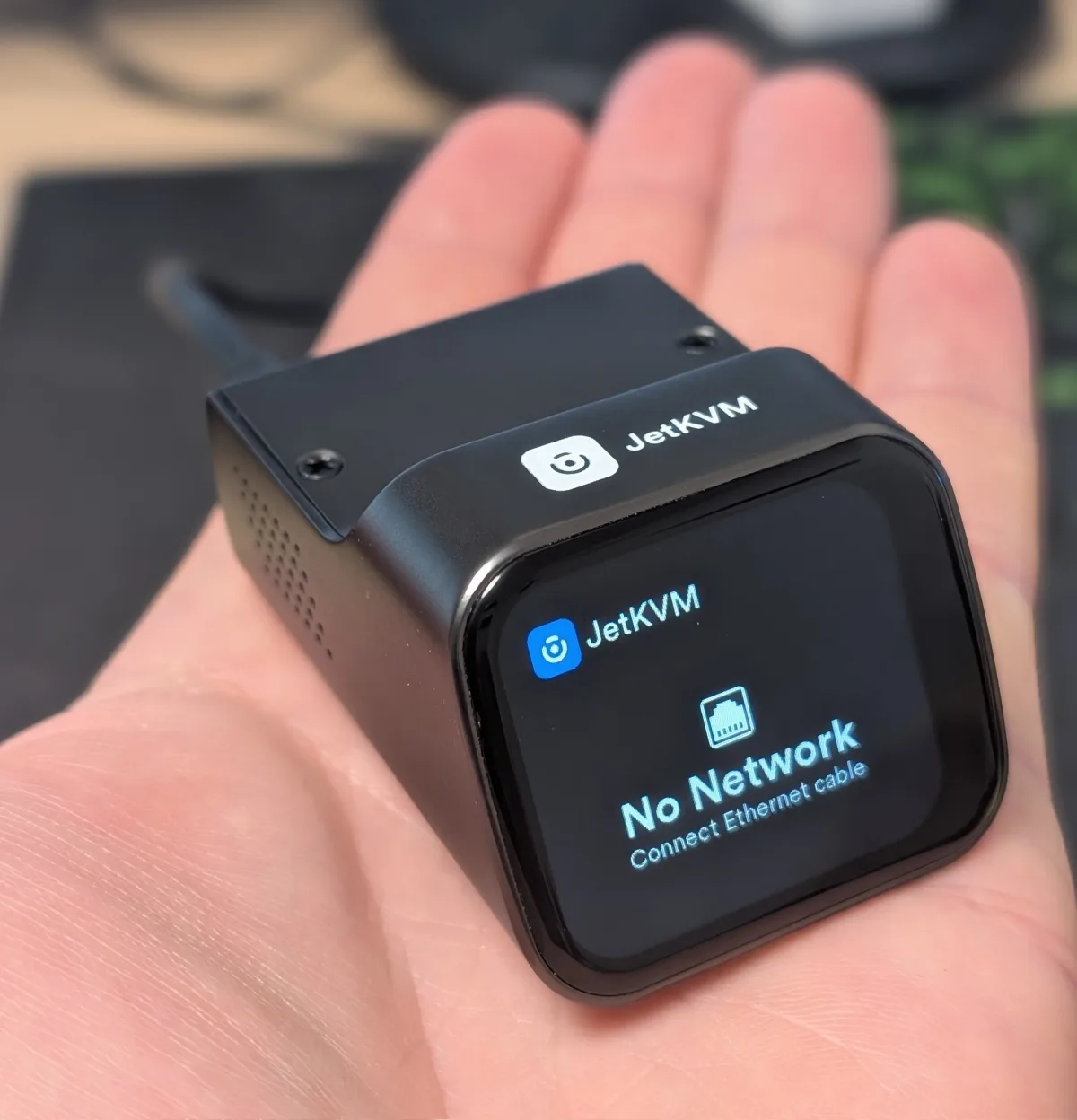
These tiny KVM-over-IP devices are all the rage. They give you remote video and control of a machine with no software running on the system itself — which is exactly what makes them useful, and exactly what makes them worth choosing carefully.
The best mini KVM-over-IP units
-
JetKVM
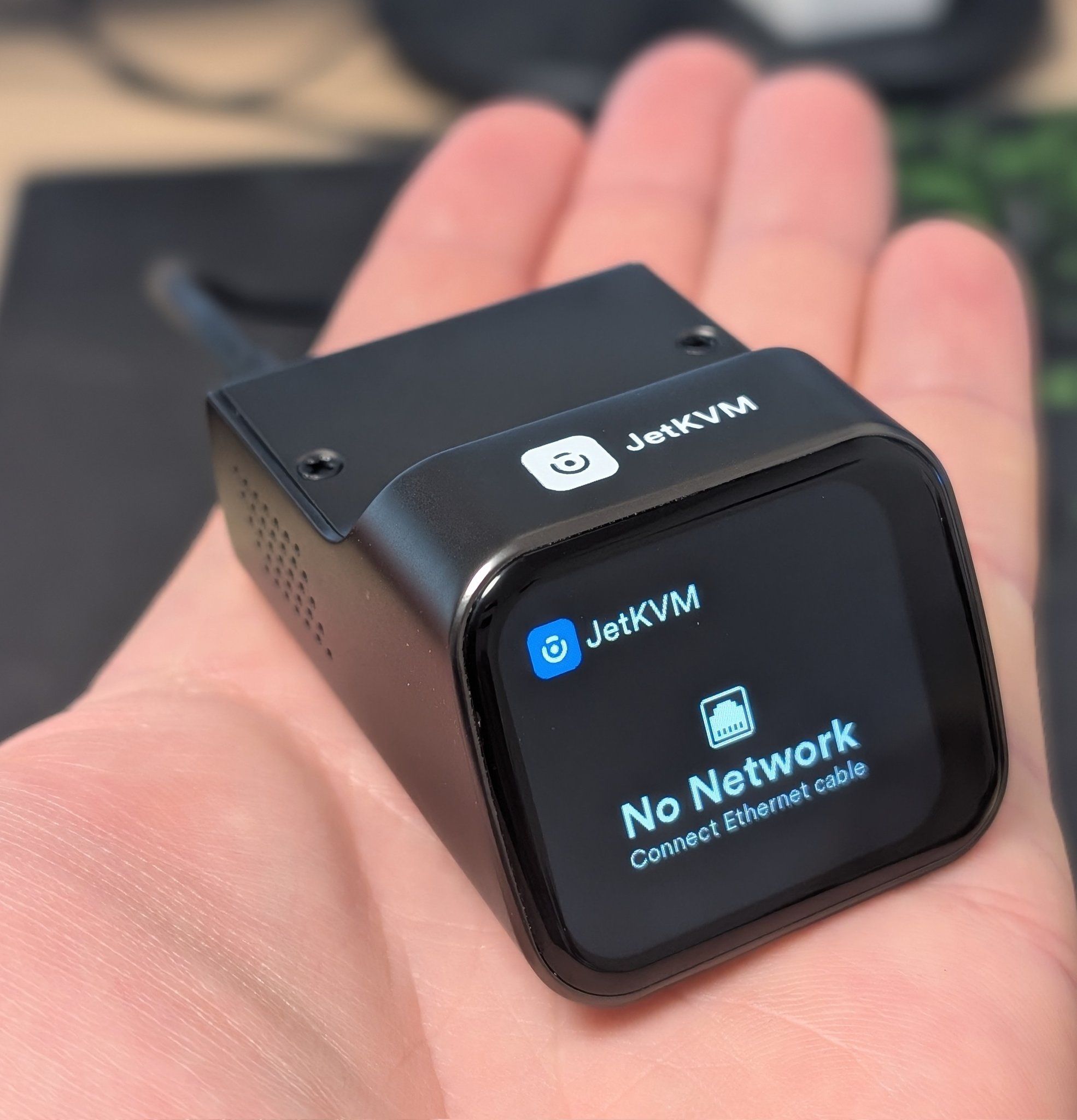
A seemingly secure and reactive development team.
-
NanoKVM
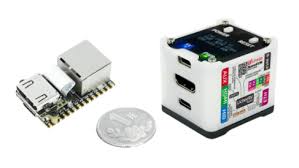
This popular unit has been found to have a range of significant security issues. It has also been reported to house a microphone and remote listening capability — see the comments under the video below for additional detail.
-
BliKVM v4
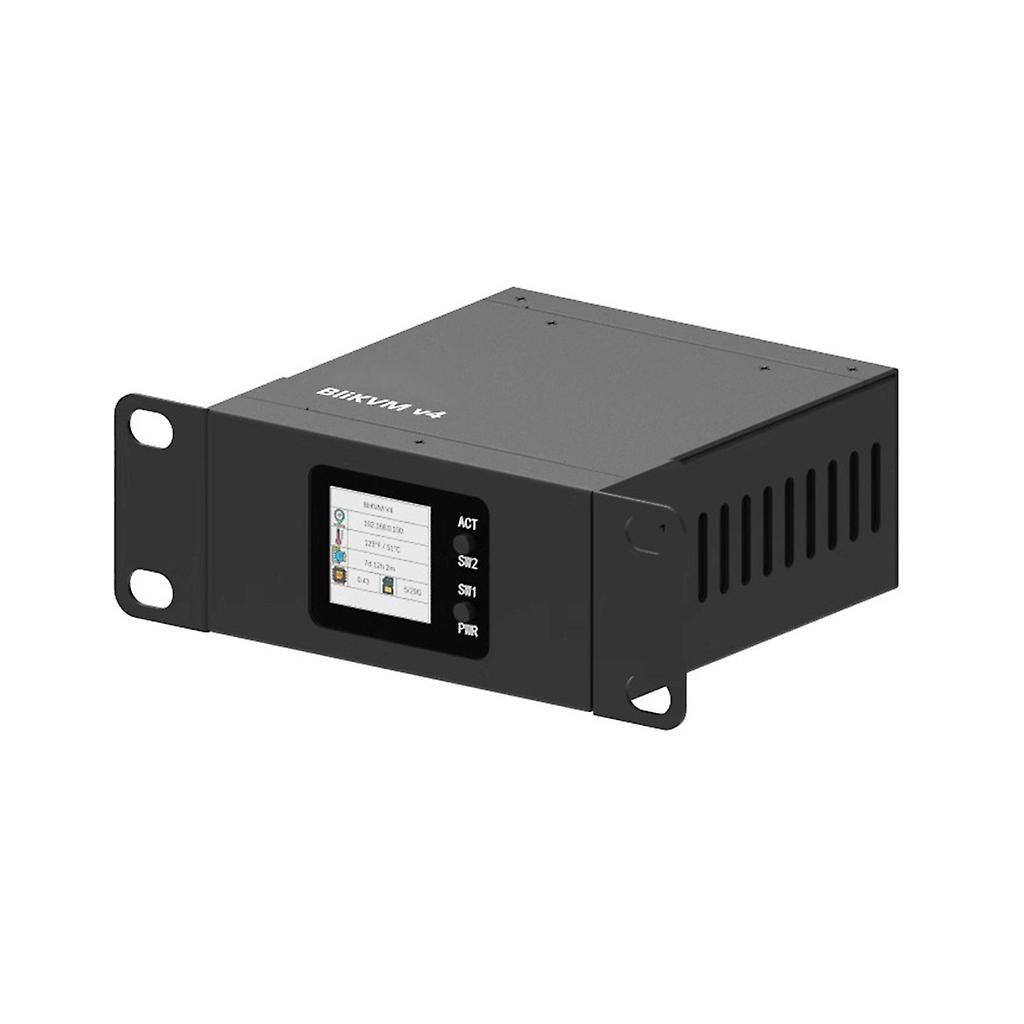
A comprehensive feature set, including higher resolution support and multiple connectivity options.
-
PiKVM
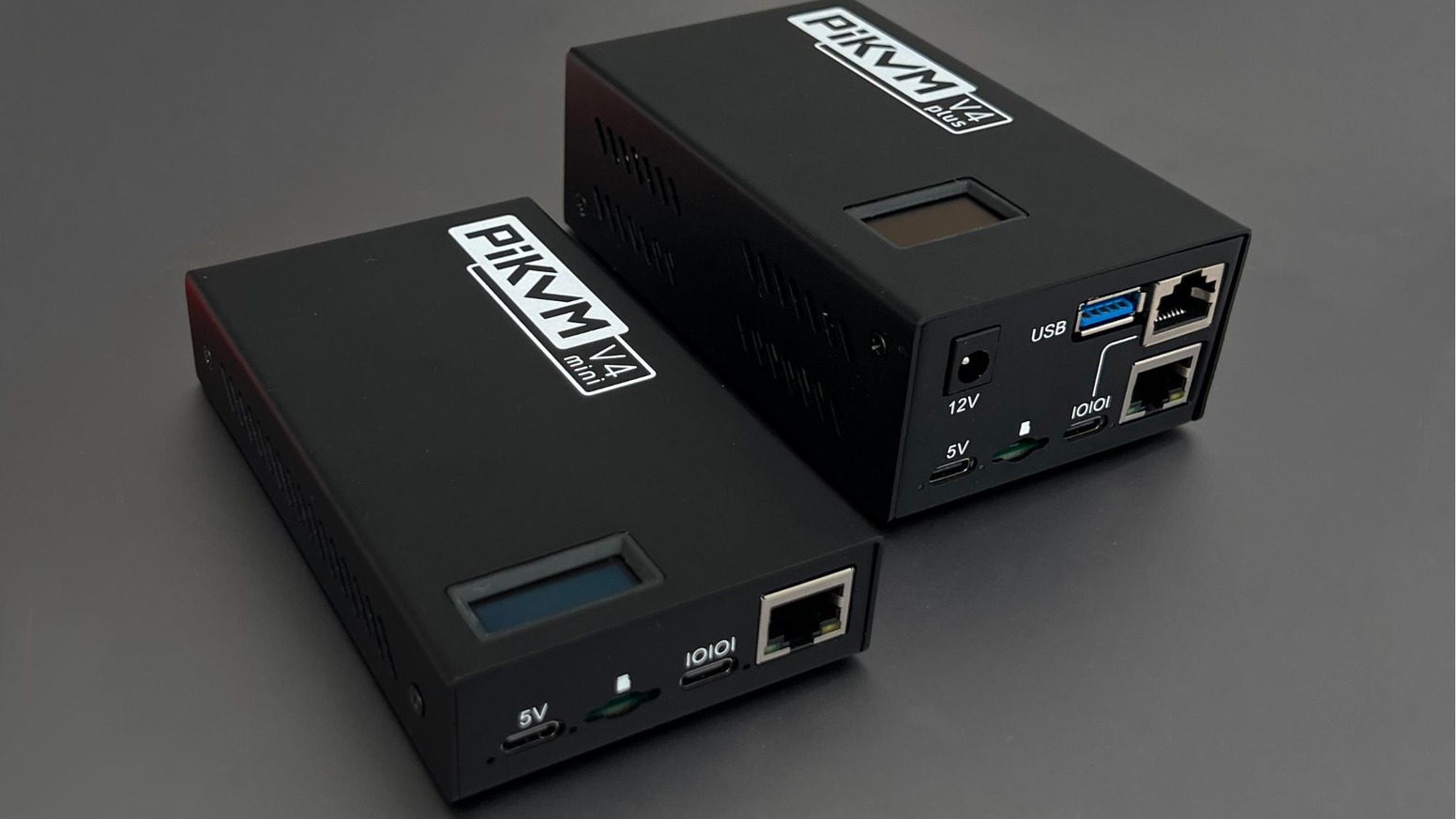
The DIY approach, built on Raspberry Pi hardware and licensed under GPLv3.
There's no outright winner — they all offer good features depending on your needs.
Comparison table
Let the comparison of the JetKVM, NanoKVM, BliKVM v4 and PiKVM be your guide.
Scroll table sideways →| Feature | JetKVM | NanoKVM | BliKVM v4 | PiKVM |
|---|---|---|---|---|
| Price | Approx. $69 USD | Approx. $50 USD | Approx. $200 USD | DIY versions $30–$100 depending on features; pre-assembled versions cost more |
| Processor | RockChip RV1106G3, Cortex A7 1.0GHz, with H.264 and H.265 hardware encoder | LicheeRV Nano with RISC-V SG2002 SoC | Allwinner H616/H313 SoC | Based on Raspberry Pi models, e.g. Raspberry Pi 4 |
| Memory (RAM) | 256 MB DDR3L | Not specified | 1 GB | Depends on the Pi model — a Pi 4 comes with 2GB, 4GB or 8GB |
| Storage | Not specified | Not specified | microSD card slot for OS and data | microSD card for OS and storage |
| Video input | HDMI | HDMI | HDMI input port | HDMI input, supporting Full HD 1920×1080p at 50Hz |
| Video output | Not specified | Not specified | HDMI loop-through port | Not specified — primarily designed for remote access via the web interface |
| Supported resolutions | Not specified | Up to 1080p at 60fps | Up to 4K at 30Hz | Full HD 1920×1080p at 50Hz |
| Video compression | H.264 and H.265 hardware encoding | MJPEG; H.264 in development | MJPEG | Efficient H.264 encoding |
| Network | Ethernet | Ethernet | Ethernet (RJ45 100M) with PoE; Wi-Fi and Bluetooth (802.11 b/g/n + BLE 4.2) | Ethernet; Wi-Fi depends on the Pi model used |
| Power supply | Not specified | USB-C power adapter | 5V 3A via USB-C, 12V 2A via DC, or PoE (802.3af compliant) | Depends on the Pi model — a Pi 4 uses a USB-C adapter |
| Form factor | Compact design with touchscreen display | Stick-on design | PCIe card form factor | Varies by Pi model and setup; DIY and pre-assembled options |
| Remote access | Yes | Yes | Yes | Yes, via web browser using WebRTC |
| Power control | Limited | Limited | ATX control port for power on/off and restart | ATX controller to switch on or off, reset, and monitor power and storage LED activity remotely |
| Open source | Yes | Partially — some components proprietary, with plans for future open-sourcing | Yes | Yes, licensed under GPLv3 |
| Additional features | Touchscreen display for local control | Virtual keyboard | — | — |
Specifications collated from community sources including this r/pikvm discussion and pikvm.org. Figures are indicative and change with hardware revisions.
Which one fits
Each device caters to a different remote management need. The JetKVM provides a compact solution with a touchscreen display. The NanoKVM offers an affordable stick-on design with ongoing development towards open-source components. The BliKVM v4 delivers the fullest feature set, including higher resolution support and multiple connectivity options. And the PiKVM offers the DIY approach.
Need remote access to servers you can't reach?
We deploy out-of-band management as part of our IT support and network installation work.